Categories
Blog

Blog: Storyboarding

8/10/16 – Storyboarding

In today’s lab we were discussing storyboarding. Having had a few lectures on the topic last academic year, we knew the basics and terminology around the subject, including different styles of shots, camera movements and zooms. Storyboarding also includes the placement of objects within the frame which can convey different messages and emotions to the viewer.

img_0028

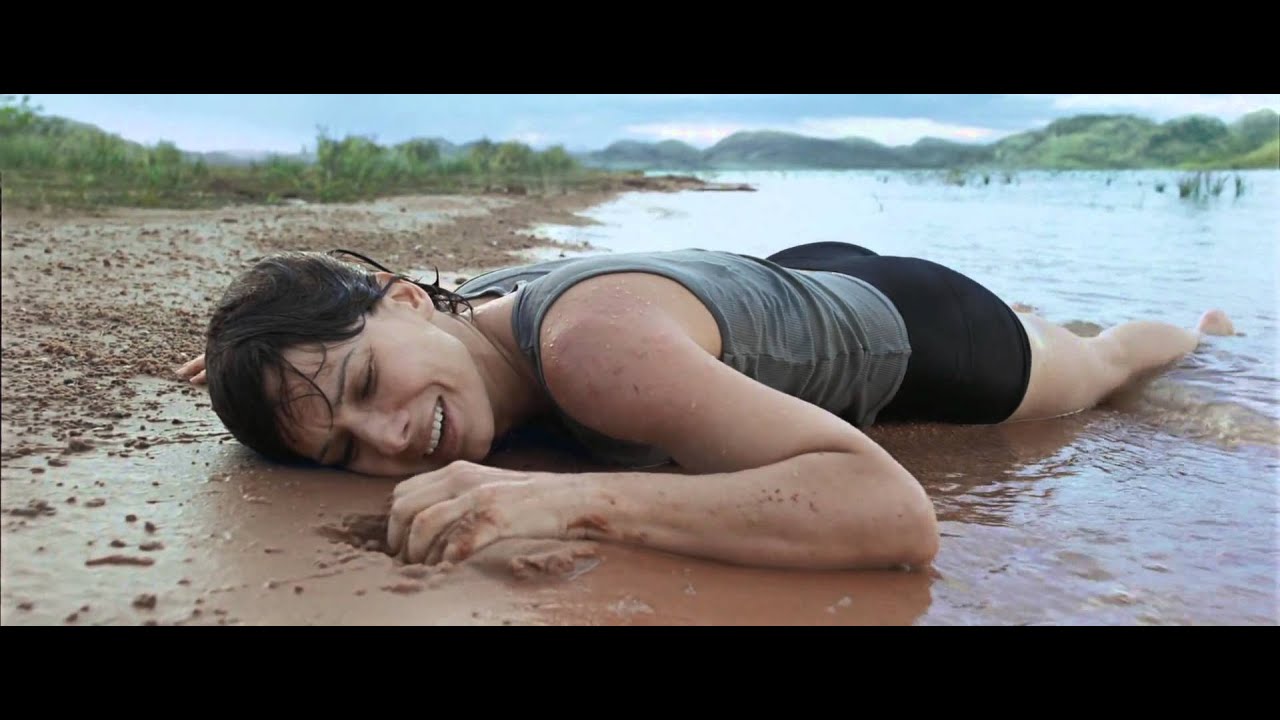
We were given a short excerpt from a script, and after reading though it, we discussed how we would personally choose to film each scene. It was really interesting to hear about other people’s ideas, as some of them differed quite significantly from my own. After we shared and discussed all our ideas, we were shown the actual excerpt from the film to which the script corresponded – it was Gravity, released in 2013, directed by Alfonso Cuarón.

gravity

Again, it was interesting to see how the creative decisions of the director for Gravity were similar, and in some cases very different, to the decisions that we made as a group. We then started to draw out our personal storyboard ideas on paper, including notes and arrows for camera and actor movement. My finished items can be seen below!

storyboard1

storyboard2

storyboard3


References and Further Reading:
Categories
Blog

Blog: Pinewood

27/09/16 – Sony Pinewood Studios Training

We attended Pinewood Studios for a training session with Sony engineers on the FS-7 4K video cameras. The university has purchased some of these new high-end cameras and we had to receive training before being allowed to use them for our assignments, to ensure that we could make the most of all of the functions and options.

thumbnail_img_5905

First, we had a talk from an engineer, who gave a comprehensive overview of the many menu and settings options from the software of the camera, as well as a brief look at the hardware and buttons on the chassis of the camera. Next, we were allowed to have a play with the actual thing, set up on a couple of tripods in the main area of the studio. Some more interesting features were demonstrated to us by the engineers, including the ability to control the camera and its settings from a mobile phone via a wifi dongle.

After a short break, our next session was with a professional colourist. He outlined to us the basics of the technology around colour spaces and gamuts. He briefly showed us the process that a colourist would go through to colour-correct an image or shot, including his use of an HDR (High Dynamic Range) computer monitor, which shows colours very vividly and lifelike. This was really interesting and a great insight into working in the industry.

img_5906

After attending the workshop at Pinewood, in small groups we have used the FS-7 video cameras for various assignments. While being a highly professional and complex piece of equipment, the training that we have recieved makes them fairly easy to use.

References and Further Reading:

Categories
Video

‘English Words’ Project

The above video was produced during a group assignment in the Post Production module. After each submitting a video idea proposal or ‘treatment’, one was chosen to be produced. In our group of 5, we set about planning and preparing for our video.

We filmed the majority of the content in the Green Screen area and used the Adobe suite of software, including Premier Pro, Audition and After Effects, to edit and assemble the clips into a final video.

The film focuses on strange and uncommon words in the English language and sees a range of people attempt to spell and give a meaning to them. Overall, out group was happy with our final submission, although we would all have small tweaks to make if we’d had more time.

https://youtu.be/aIkCAWoionY

My breakdown video shows the process that I went through to edit my section of the overall project, including colour correction, keying, noise reduction and motion graphics, using Premier Pro, Audition and After Effects from the Adobe Creative Suite.

Categories
Video

Swim Team Video Project

For our EE1604 Video Production module, we had to create a video about an aspect of life at Brunel University – this could be a sports club, society, or another aspect such as accommodation or facilities. As a member of the Swimming Team, I chose to use this opportunity to create a video promoting the sport and society. My aim was that as well as for the assignment, the video could be used at Freshers Fayres to promote the club and attract members.

I filmed all the footage for the video using a GoPro Hero 4, because of its small size and waterproof casing. Overall, I’m pleased with how my video turned out. In the future I would like to spend more time ensuring the quality of the footage and editing is at a higher standard.

Categories
3D Modelling Photoshop

CGI Gramophone

Render2_shadow

Our 3D composite image task required us to design, create, texture and light a three-dimensional object and then insert it into a background image. I chose to create a gramophone as they are unusual objects with a fairly complex design.

I used computer-modelling software Maya to make a basic skeleton for the gramophone using a range of tools and processes. Then, using textures I found on the web, I applied the wood and brass effect to the different parts. After inserting the background image and positioning the gramophone correctly, I worked on correctly lighting the scene based on the light sources already in the image, such as desk lights and open windows.

The final two compositions required me to insert a shadow using Photoshop to make the images more lifelike, however in the future I’d like to experiment and play around with more features in Maya, so that the shadow could be created on the surfaces automatically.

Render1_shadow

Categories
Photography

Trails

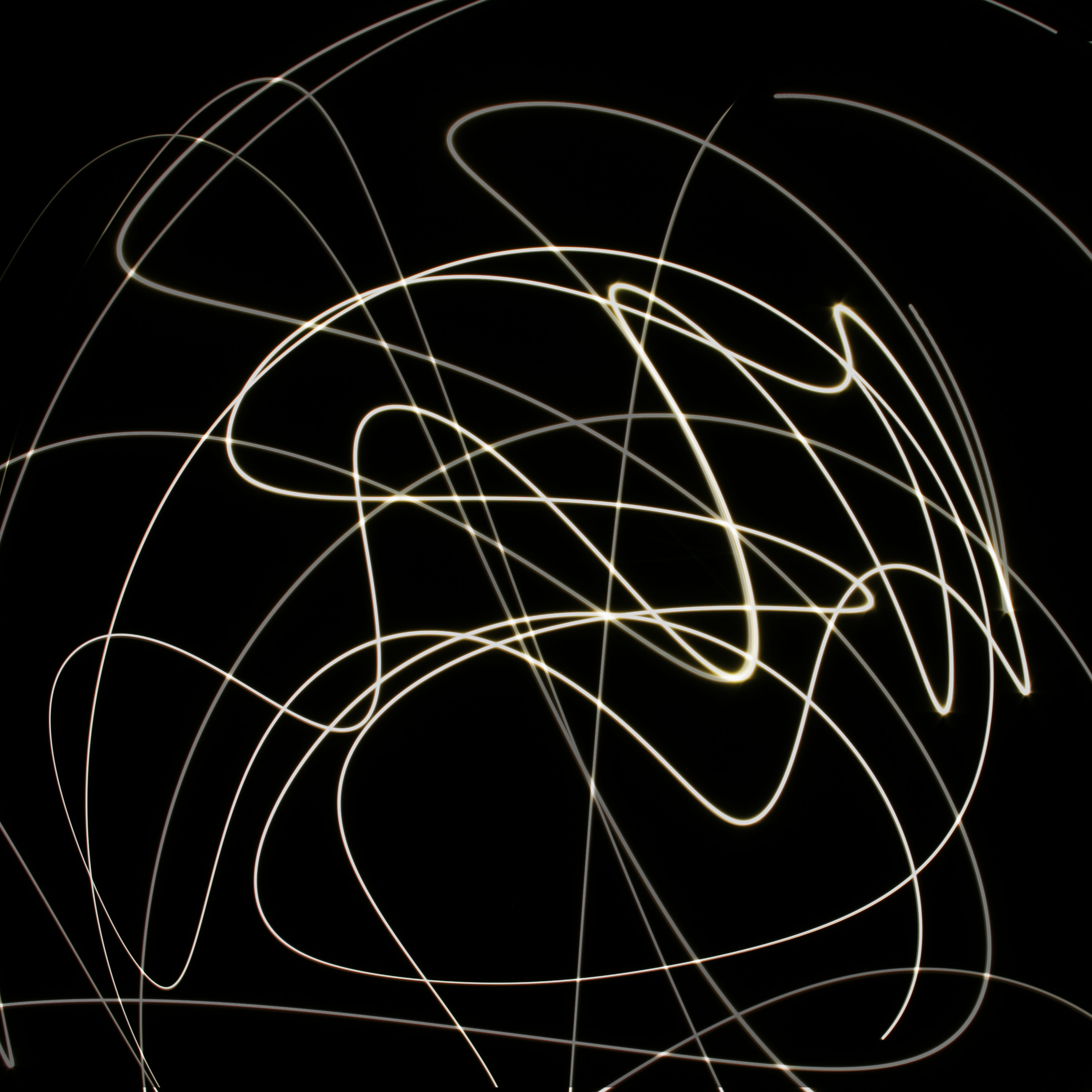
trailsThis image was created in Photoshop using multiple long-exposure shots. The differing opacities creates a sense of depth and makes the image more interesting to look at. I tried to change the colours of some of the light trails but in the end decided the effect detracted from the overall image.

Categories
Photography

Laura

lauraUsing a softbox light to the right and a strobe with a colour filter to the left of the shot created a strong divide on Laura’s face. After experimenting with several colours including orange, green and purple, we settled on red as it gave a spooky effect for the photo. I accentuated the red slightly using Photoshop.

Categories
Photography

Silhouette

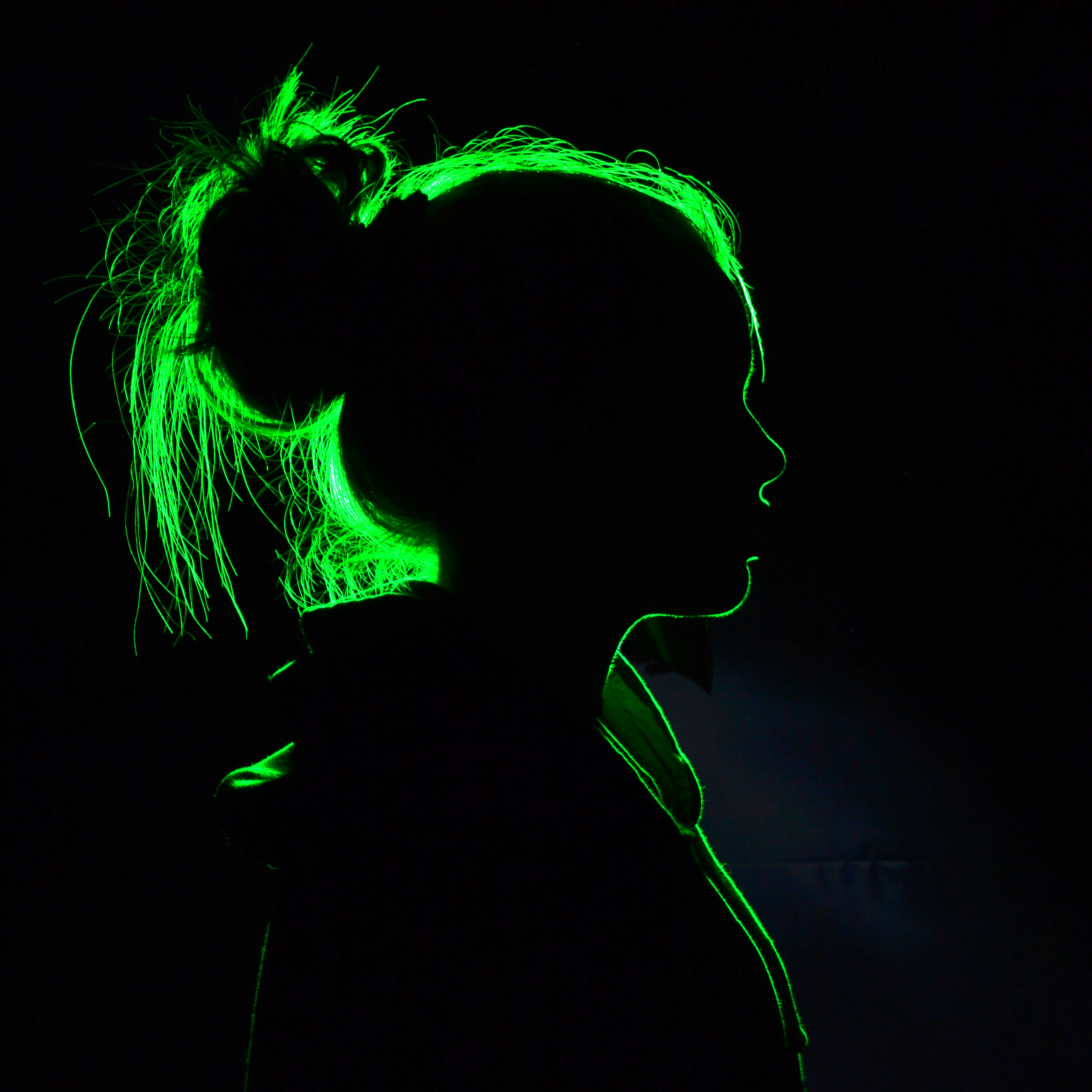
silhouetteThis photo features Kira from another photo in the Studio Portraits section. She is silhouetted behind a light, which was linked to the camera using a sync cable. A green filter was covering the light, and the saturation of the green was enhanced when I edited the photo later.

Categories
Photoshop

Stargazer

stargazer

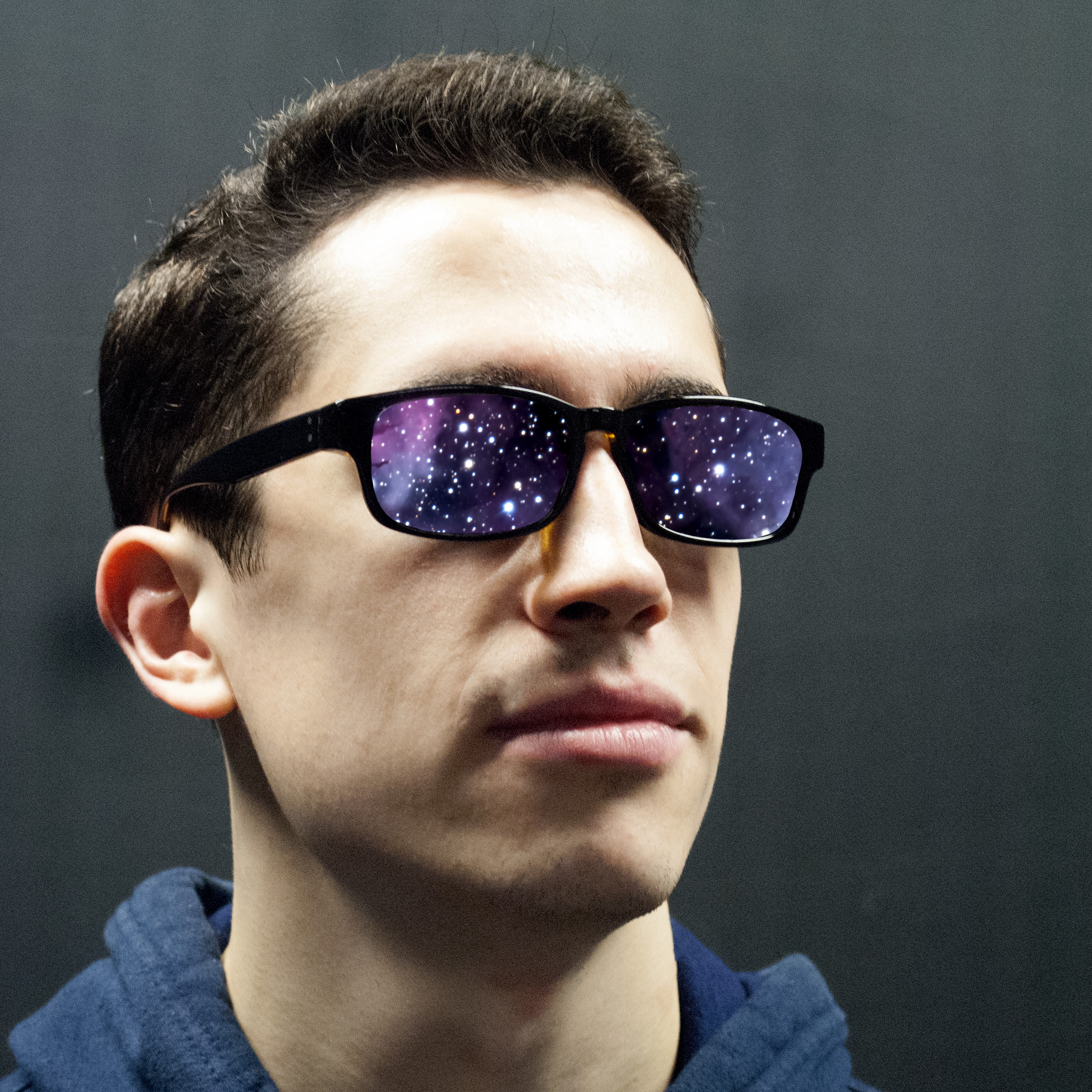
Featuring Seb from the studio portrait section, this image is a bit of fun with layers and masks. A public-domain image from NASA of a nebula is placed behind a close-angle shot of Seb’s head. I then removed the lenses on Photoshop to allow the space photo to show through.